> ## Documentation Index
> Fetch the complete documentation index at: https://docs.epicmarket.in/llms.txt
> Use this file to discover all available pages before exploring further.
# 🔐Epic Owner Login Guide
> Learn how to securely access your Epic Owner dashboard
 ## Quick Access Links
Access your Epic Owner dashboard
Recover your account access
## Login Steps
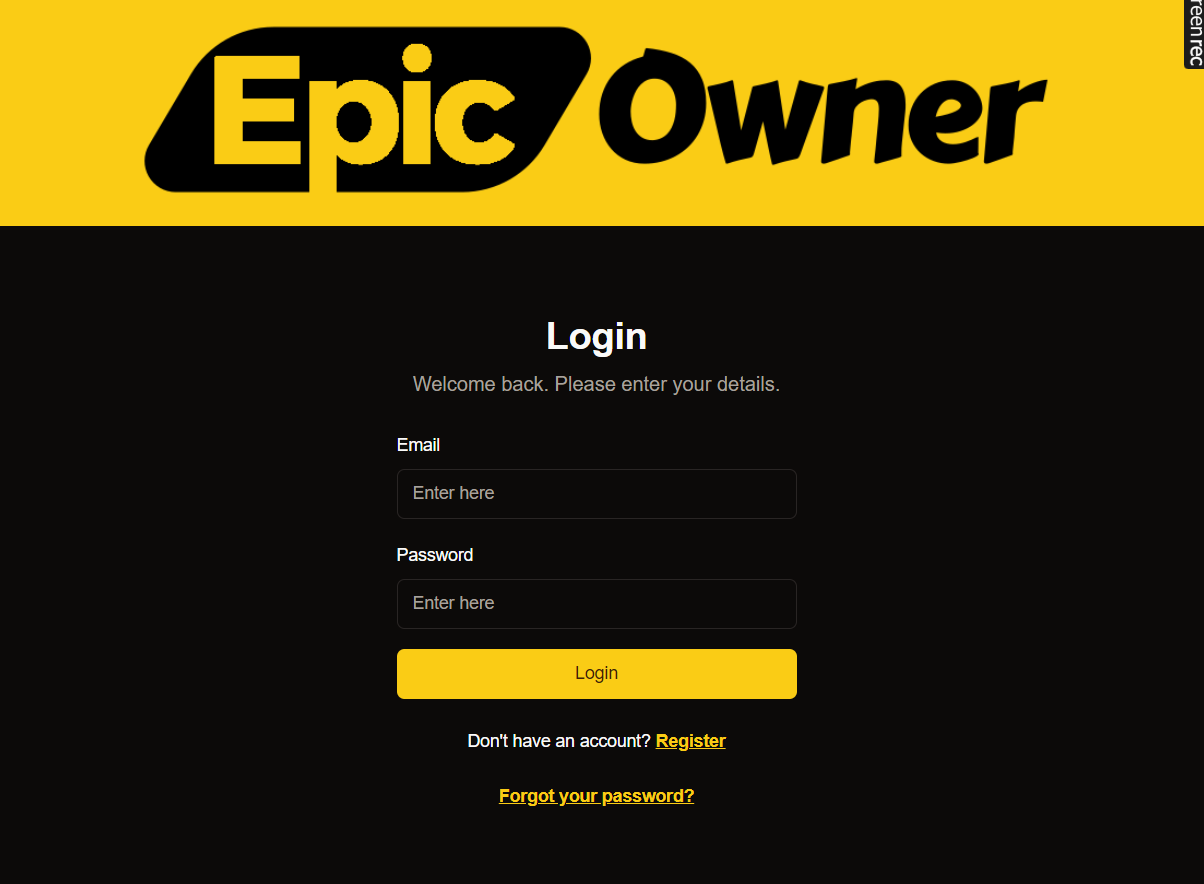
Visit our secure login portal at [owner.epicmarket.in/auth/login](https://owner.epicmarket.in/auth/login)
Input your registered email address in the email field
Enter your account password, ensuring correct capitalization
Click the "Login" button to access your dashboard
## Standard Login
Log in using your registered email and password.
Keep your login credentials secure and never share them with others.
## Common Issues
If you can't remember your password:
1. Click "Forgot Password"
2. Enter your email address
3. Check your inbox for reset instructions
4. Create a new secure password
After multiple failed attempts:
* Wait 30 minutes before trying again
* Use password reset if needed
* Contact support for assistance
## Security Guidelines
Use a strong password with:
* At least 8 characters
* Mix of uppercase and lowercase letters
* Numbers and special characters
* No personal information
Never share your login credentials or access your account on untrusted devices.
## Need Support?
Browse our [knowledge base](https://epicmarket.tawk.help/)
Get in Touch [Contact us ](https://epicmarket.in/contact#top)
Email us at [support@epicmarket.in](mailto:support@epicmarket.in)
## Quick Access Links
Access your Epic Owner dashboard
Recover your account access
## Login Steps
Visit our secure login portal at [owner.epicmarket.in/auth/login](https://owner.epicmarket.in/auth/login)
Input your registered email address in the email field
Enter your account password, ensuring correct capitalization
Click the "Login" button to access your dashboard
## Standard Login
Log in using your registered email and password.
Keep your login credentials secure and never share them with others.
## Common Issues
If you can't remember your password:
1. Click "Forgot Password"
2. Enter your email address
3. Check your inbox for reset instructions
4. Create a new secure password
After multiple failed attempts:
* Wait 30 minutes before trying again
* Use password reset if needed
* Contact support for assistance
## Security Guidelines
Use a strong password with:
* At least 8 characters
* Mix of uppercase and lowercase letters
* Numbers and special characters
* No personal information
Never share your login credentials or access your account on untrusted devices.
## Need Support?
Browse our [knowledge base](https://epicmarket.tawk.help/)
Get in Touch [Contact us ](https://epicmarket.in/contact#top)
Email us at [support@epicmarket.in](mailto:support@epicmarket.in)