

Quick Access Links
Login Portal
Access your Epic Owner dashboard
Reset Password
Recover your account access
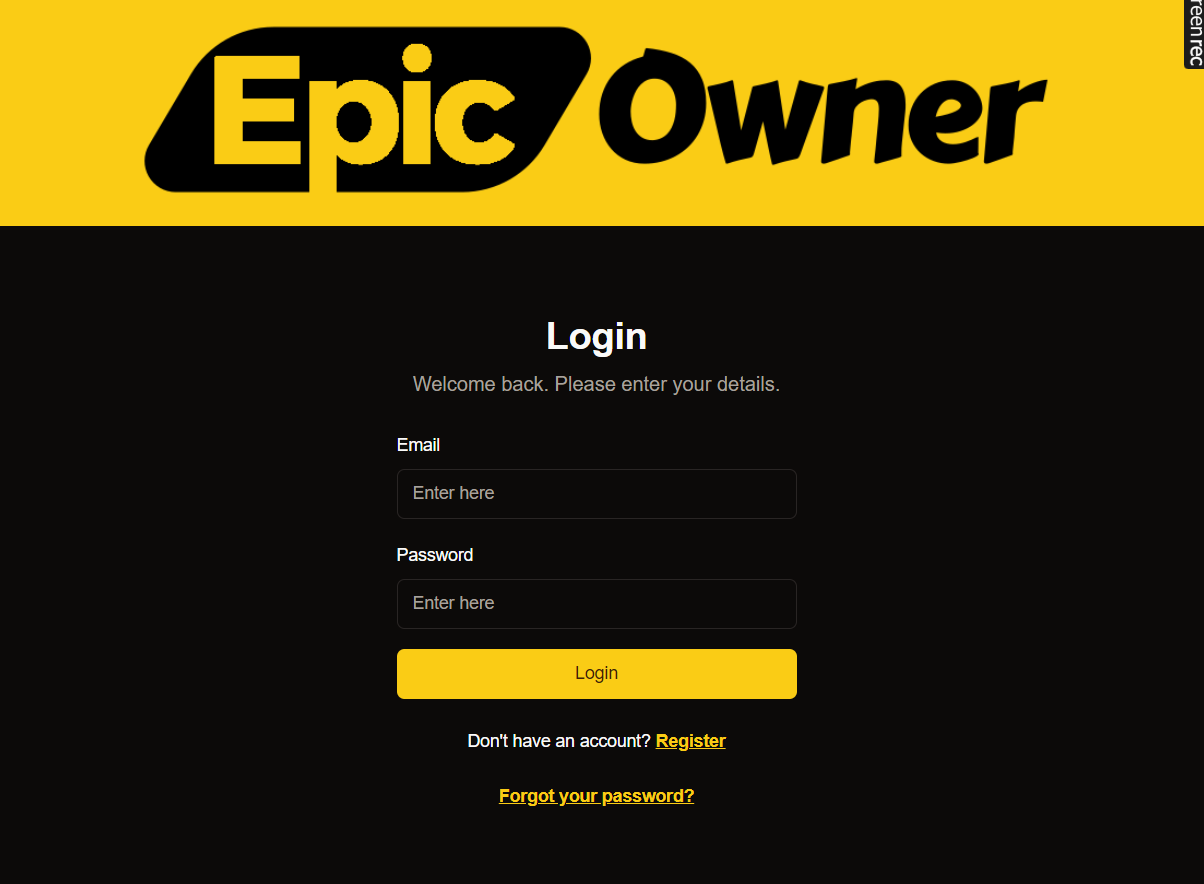
Login Steps
1
Access Login Page
Visit our secure login portal at owner.epicmarket.in/auth/login
2
Enter Email
Input your registered email address in the email field
3
Provide Password
Enter your account password, ensuring correct capitalization
4
Submit
Click the “Login” button to access your dashboard
Standard Login
Log in using your registered email and password.Keep your login credentials secure and never share them with others.
Common Issues
Forgot Password
Forgot Password
If you can’t remember your password:
- Click “Forgot Password”
- Enter your email address
- Check your inbox for reset instructions
- Create a new secure password
Account Locked
Account Locked
After multiple failed attempts:
- Wait 30 minutes before trying again
- Use password reset if needed
- Contact support for assistance
Security Guidelines
Use a strong password with:
- At least 8 characters
- Mix of uppercase and lowercase letters
- Numbers and special characters
- No personal information
Need Support?
Help Center
Browse our knowledge base
Contact Support
Get in Touch Contact us Email us at support@epicmarket.in